
Audit. Validate.
Debug for free.
Inspect your Google Tag Manager setup, validate consent mode compliance, compare container versions, audit live tracking and more.
Jump to a tool
AH Debugger
A Chrome extension that shows your analytics events in real time, directly inside the browser. Inspect GA4, Google Ads, Facebook Pixel, and GTM dataLayer pushes as they fire. No account required.
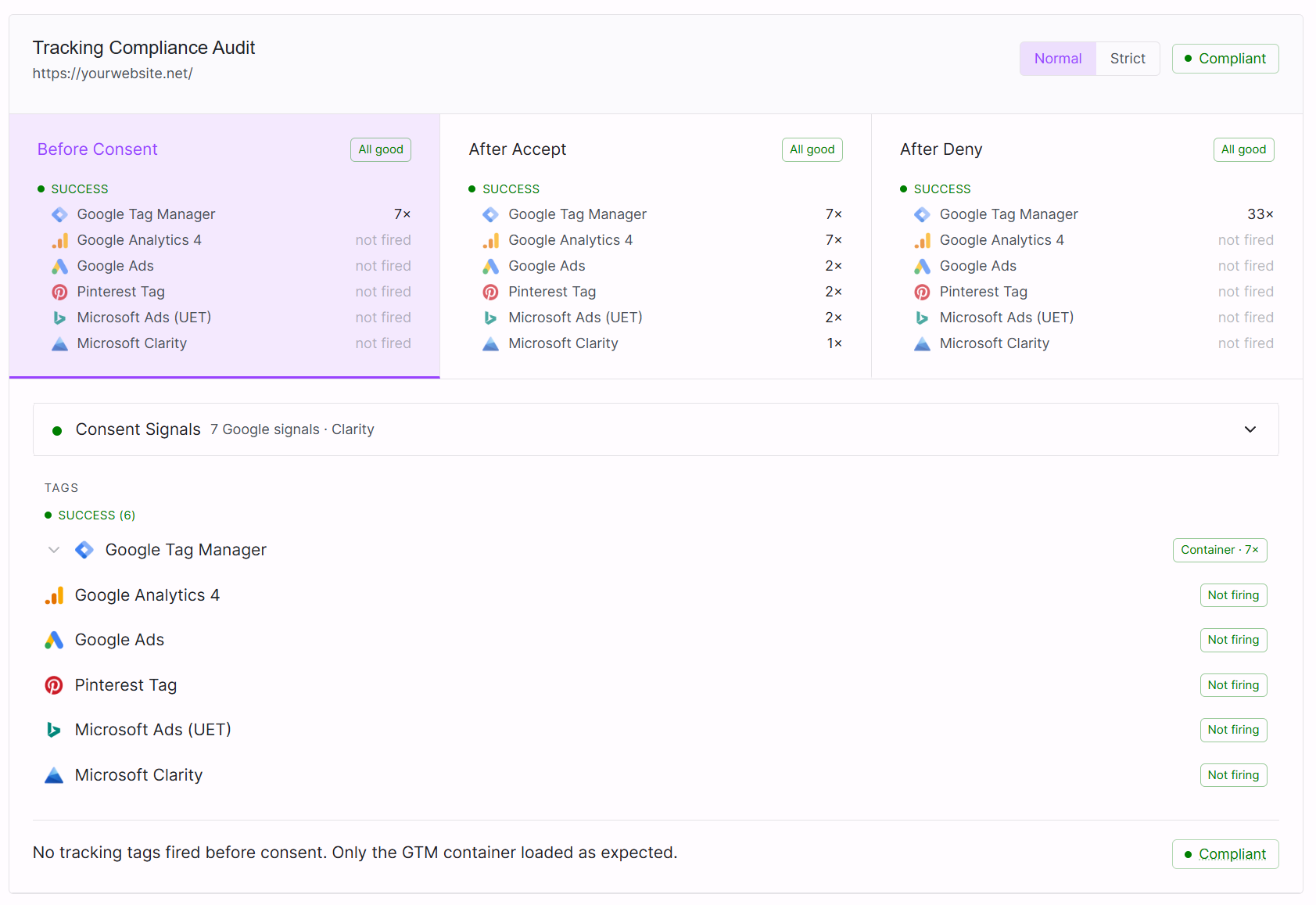
Privacy Compliance Audit
Audit Google Consent Mode v2 and Microsoft UET Consent Mode on any live URL. Validates that tags respect user consent choices across three states: before consent, after accept, and after reject. Covers GA4, Google Ads, Meta Pixel, TikTok, Microsoft Ads, and Clarity.
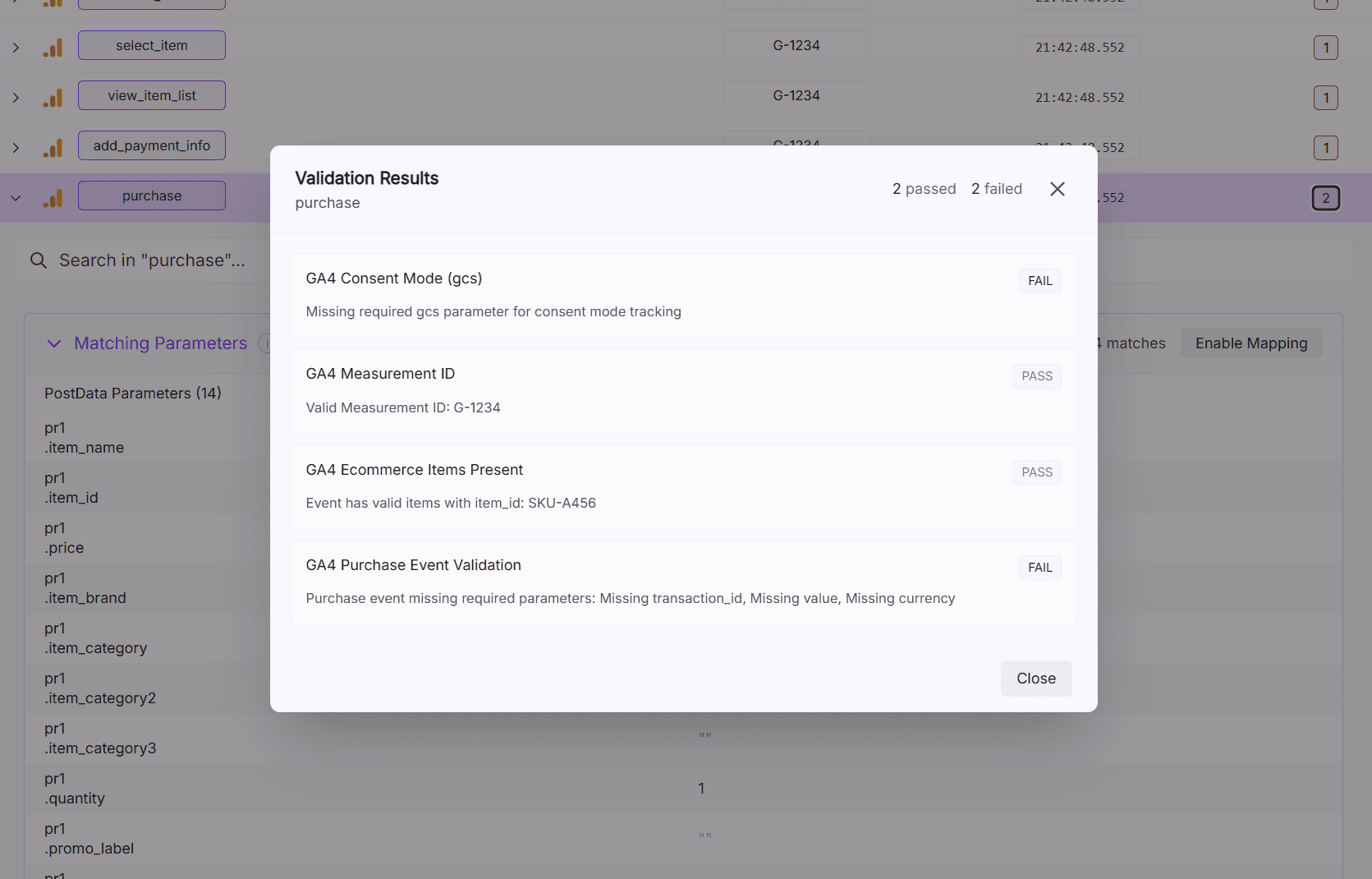
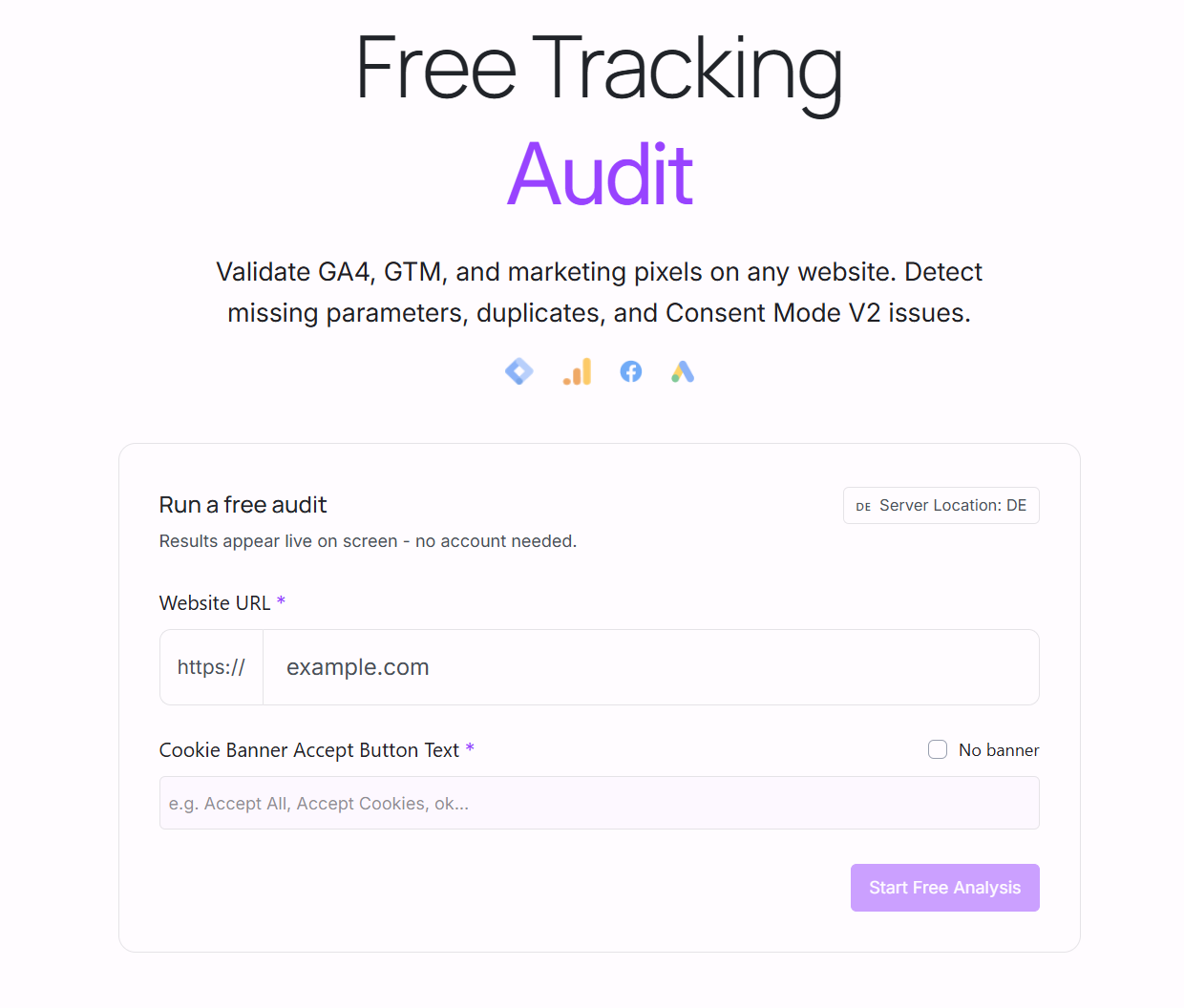
Website Tracking Audit
Run a live audit on any URL in a real headless browser. Receive an email report covering GA4 events, GTM container health, Facebook Pixel, consent mode signals, and duplicate tracking. No browser extension needed.
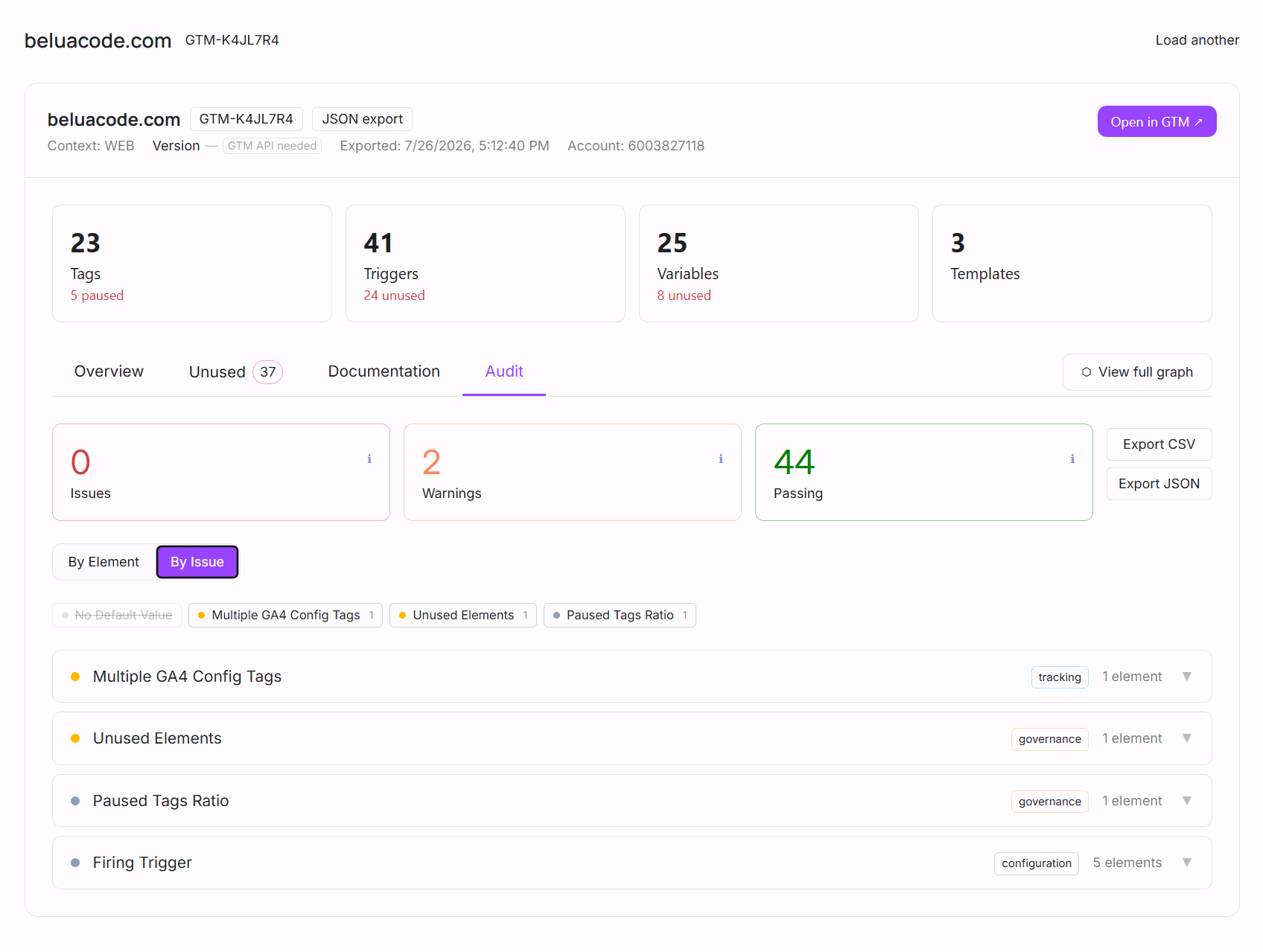
GTM Auditor
Upload your GTM container JSON. Inspect every tag, trigger, and variable, map their dependencies, and detect unused or broken elements. Export the full audit as CSV. Works from a local export, no container API access required.
GTM Diff
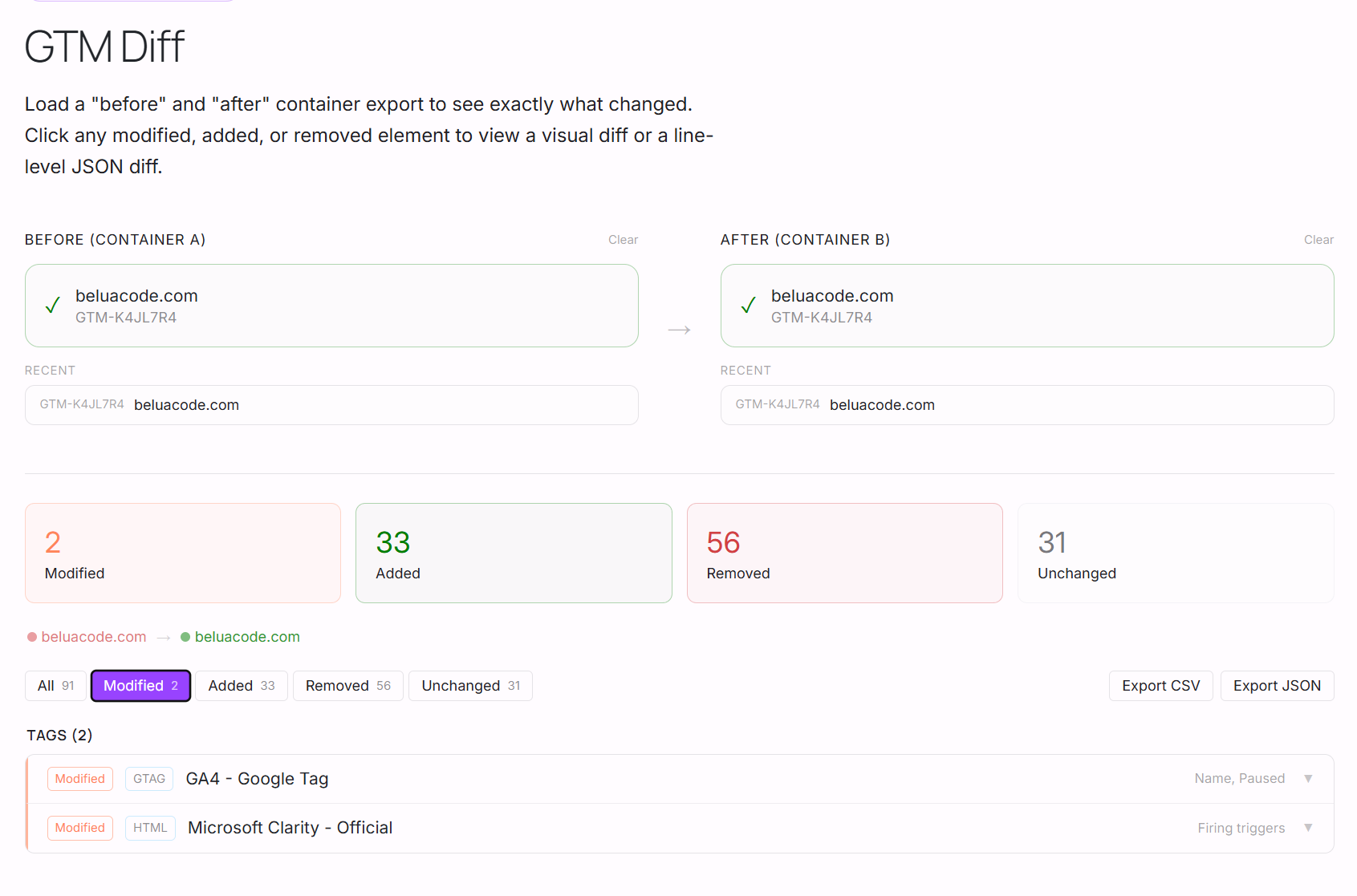
Compare two GTM container exports side by side. See exactly which tags, triggers, and variables were added, removed, or changed between versions. Useful before and after deployments.
Why use these tools?
No account, no credit card
Every tool works the moment you open it. Upload a file or enter a URL. Nothing else required.
Real browser testing
The Privacy and Website Tracking audits run in a real headless browser, not a scanner. They catch what scanners miss.
Built for analytics teams
Every tool is designed around real workflows: auditing before deploys, validating consent, reviewing container changes.
Export and share results
GTM Auditor exports full CSV reports. Email reports are delivered for live audits. Results you can act on and share with your team.
See them in action
Audit Google Consent Mode v2 on Any Live URL
Instantly audit consent mode compliance across GA4, Google Ads, Meta Pixel, and Microsoft UET - no login required.
Paste any URL and our free Privacy Compliance Audit tool launches a real headless browser, interacts with your cookie banner, and validates consent signal behaviour across three states: before consent, after accept, and after reject. See exactly which tags fire when they shouldn't and get a shareable report in seconds.
- Tests 3 consent states: pre-consent, accept, reject
- Covers GA4, Google Ads, Meta Pixel, Microsoft UET
- Real headless browser - no extension or login needed
- Shareable audit report with per-vendor findings
Privacy Compliance Audit
shop.acme.com: Full Consent Flow Test
Before interacting with the cookie banner
 Google Tag Manager 1×
 After cookies were accepted
 Google Analytics 4 3×
  Google Ads 1×
  Meta Pixel 2×
  Microsoft UET 1×
 After cookies were declined
Meta Pixel 1× Google Analytics 4 2× Google Tag Manager 1× Microsoft UET 1× Tags
After Accept Google Tag Manager Container · 1× Google Analytics 4 3× Google Ads 1× Meta Pixel 2× Microsoft UET 1× 6 vendors fired correctly after accept
Audit Your GTM Container in Seconds
Upload your GTM JSON export and get a full audit: tags, triggers, measurement IDs, unused elements, and audit findings - no account needed.
Export your GTM container JSON from the GTM interface, drop it into the free GTM Auditor, and get an instant breakdown of every tag, trigger, and variable. See all measurement IDs in one view, identify unused and paused elements, and review audit findings - all without sharing API access.
- Full tag, trigger, and variable inventory
- Unused and paused element detection
- Measurement ID mapping across tags
- Audit findings with severity levels
Acme Shop – Production
GTM-K8MX2N JSON export| Folder | Kind | Name ↑ | Type | Status | Depends On | Used By | Notes |
|---|---|---|---|---|---|---|---|
| 📁 Analytics | tag | GA4 – Configuration | Google Tag | active | All Pages [trigger] DL – userId [variable] | — | — |
| 📁 Analytics | tag | GA4 – Purchase | GA4 Event | active | Purchase Complete [trigger] DL – ecommerce [variable] | — | Core ecom event, do not remove |
| 📁 Ads | tag | Google Ads – Legacy Remarketing | Google Ads Remarketing | paused | All Pages [trigger] | — | Paused: replaced by new tag |
| - | trigger | Click – Add to Cart Button | Click – All Elements | normal | — | GA4 – Add to Cart [tag] Google Ads – Add to Cart [tag] | — |
| - | trigger | CE – Old Newsletter Signup | Custom Event | unused | — | — | — |
| - | variable | DL – ecommerce | Data Layer Variable | normal | — | GA4 – Purchase [tag] GA4 – Begin Checkout [tag] | — |
| - | variable | JS – Old Cookie Parser | JavaScript Variable | unused | — | — | Safe to delete |
FAQ
Are these tools really free? +
Yes. All four live tools (GTM Auditor, GTM Diff, Privacy Compliance Audit, and Website Tracking Audit) are completely free. No account, no credit card, no login required.
What is the GTM Auditor and what does it check? +
The GTM Auditor analyses a GTM container JSON export from your browser. It maps every tag, trigger, and variable, shows their dependencies, and flags unused elements, missing consent configuration, and broken trigger references. Export the results as CSV for documentation or handoffs.
How does the Privacy Compliance Audit differ from a cookie scanner? +
A cookie scanner reads which cookies were set. The Privacy Compliance Audit loads your URL in a real browser, clicks your consent banner, and intercepts the actual network requests fired by tracking tags across three consent states: before consent, after accept, and after reject. It validates the GCS signal on every Google request and the ASC signal on every Microsoft UET request, which a cookie scanner cannot do.
What vendors does the Privacy Compliance Audit cover? +
Google Analytics 4, Google Ads, Google Tag Manager, Meta Pixel, TikTok Pixel, Pinterest Tag, Microsoft Ads (UET / Bing), and Microsoft Clarity. Each vendor receives a pass or fail verdict per consent state.
What is the difference between strict and normal compliance in the Privacy Audit? +
Normal compliance allows Google tags to fire in the deny state when they carry a denied GCS signal (Advanced Consent Mode) and allows Microsoft Ads to fire with a denied ASC signal. Strict compliance requires that no vendor fires after rejection under any circumstances. The audit reports both verdicts so you can evaluate against either standard.
What does the GTM Diff tool do? +
GTM Diff compares two GTM container JSON exports and shows every element that was added, removed, or modified between them. It is useful for reviewing changes before deploying a new container version, or for auditing what changed after an incident.
Do I need to install anything to use these tools? +
No installation is required for any tool. The GTM Auditor and GTM Diff work from a container JSON export you upload in your browser. The Privacy Compliance Audit and Website Tracking Audit run on AssertionHub servers and deliver results by email.
Automate your analytics QA
These free tools are great for one-off audits. For continuous monitoring, scheduled tests, and Slack alerts across all your clients, try AssertionHub.